Introduction
One will learn a systematic approach to capture canine mobility data, transform observations into veterinary‑ready documentation, and use that evidence to justify upgrades of assistive devices. The guide emphasizes objective measurement, consistent tracking, and clear communication with veterinary professionals. By following each step, one can reduce uncertainty, accelerate recovery, and ensure that the chosen aids match the dog’s evolving needs. The information is valuable for owners of senior, injured, or post‑surgical dogs who seek evidence‑based decisions.
What You'll Need
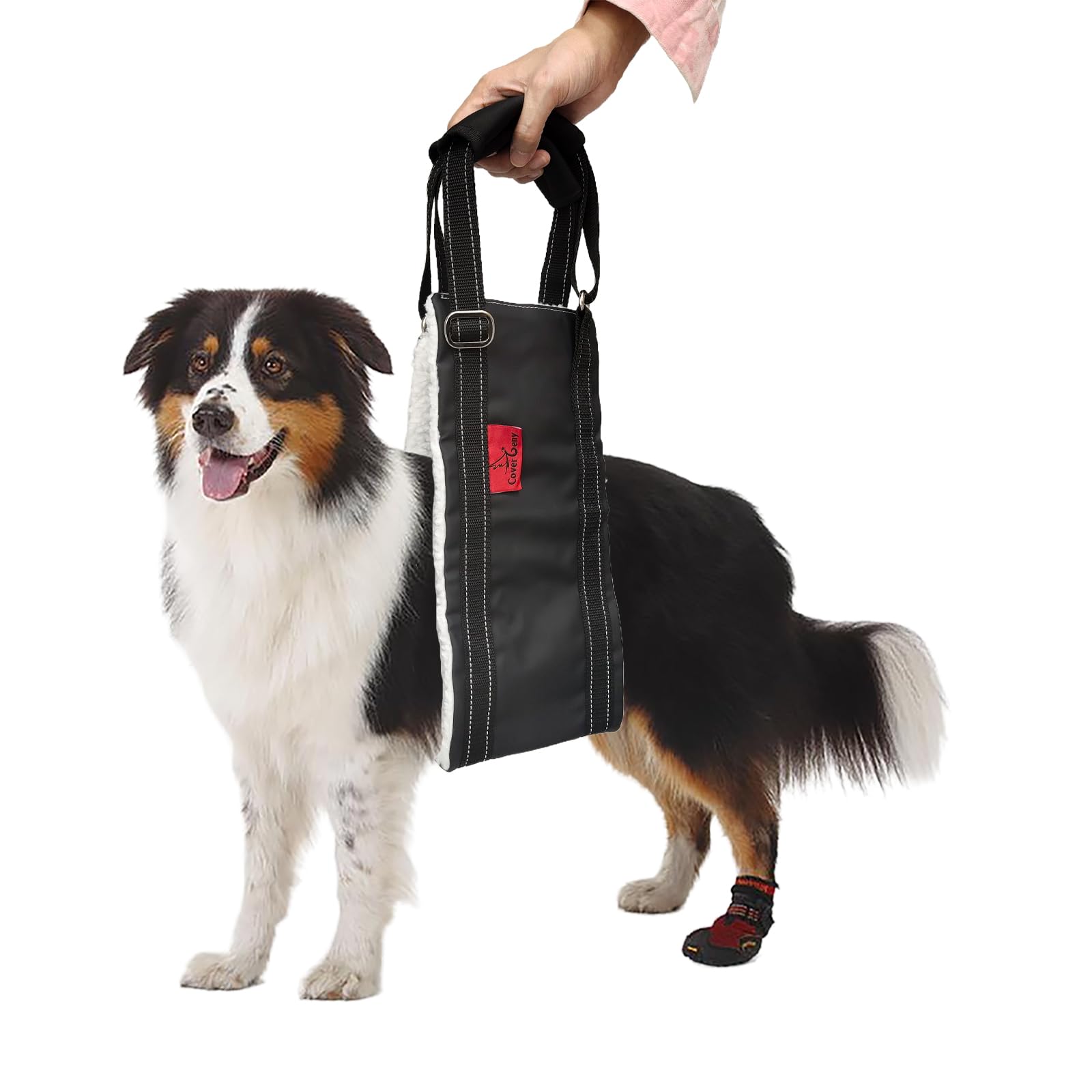
- Cover Geny Dog Lift Harness L – $16.99, 4.3/5 stars (254 reviews)
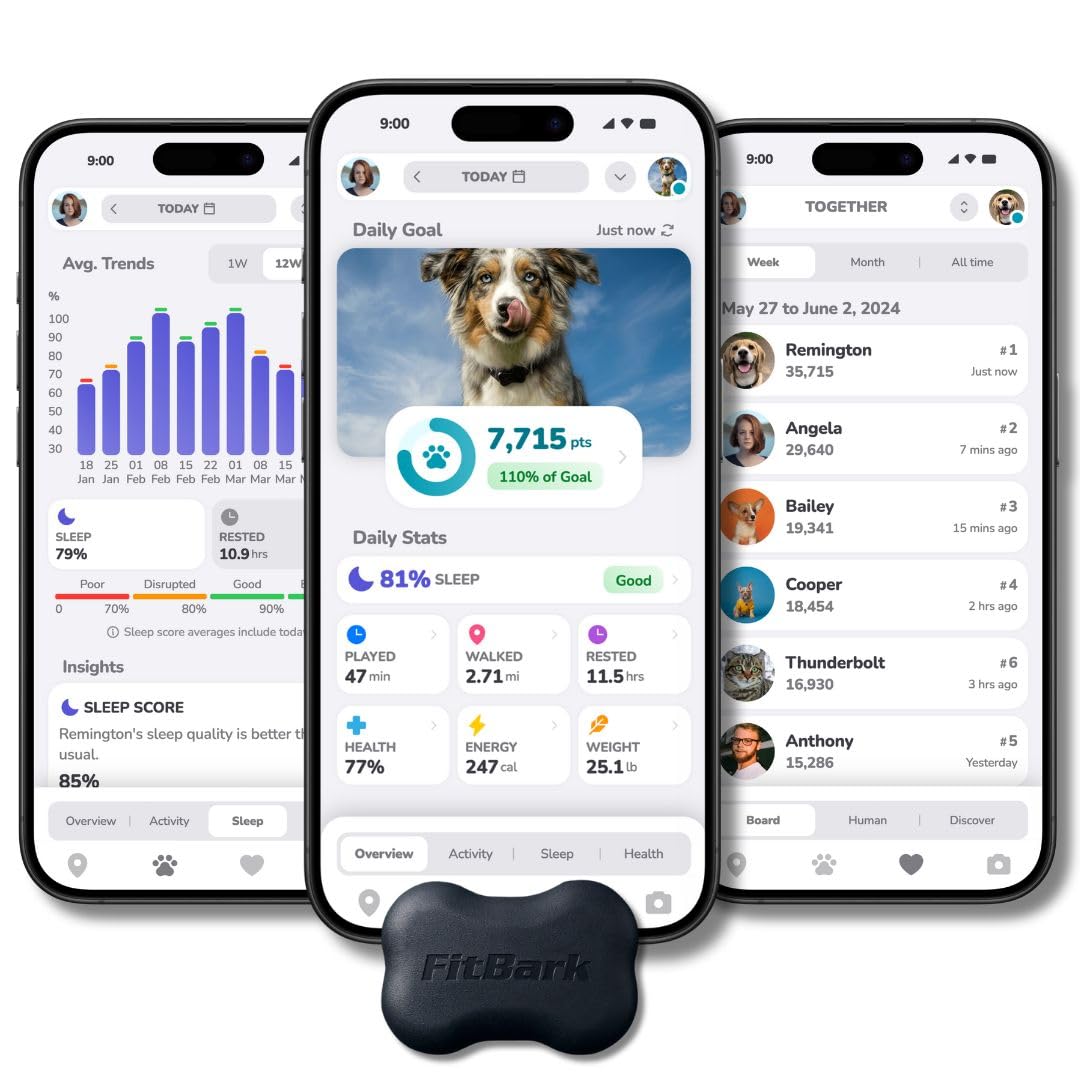
- FitBark 2 Dog Activity Tracker – $49.95, 4.3/5 stars (1,002 reviews)
- Smartphone or tablet with spreadsheet app (Google Sheets, Excel)
- Measuring tape, notebook, and a reliable calendar
Step 1: Baseline Mobility Assessment
Before any aid is introduced, one should record the dog's current ability to rise, walk, climb stairs, and navigate obstacles. Use a measuring tape to note stride length, time to stand from a seated position, and number of steps taken on a short flight of stairs. Document these observations in a notebook, noting date, time of day, and environmental conditions such as floor surface. This baseline creates a reference point against which future improvements can be measured.
Step 2: Prepare the Lift Harness
Equipping the dog with a supportive lift harness enables safe assisted movement while providing consistent data on weight‑bearing capability. The Cover Geny Dog Lift Harness L offers multiple sizes, high‑quality PU leather, and soft fleece lining that distributes pressure evenly across the abdomen. Its adjustable straps and reflective nylon ensure a secure fit for dogs weighing 15‑100 lbs and enhance visibility during low‑light walks. By placing the fleece side against the belly and tightening the webbing, one can support the rear limbs without restricting natural gait, allowing accurate measurement of assisted steps.
During the first week of harness use, record the number of assisted steps taken during short walks, the duration of each assisted stand, and any signs of discomfort. The harness price of $16.99 and rating of 4.3 stars indicate a cost‑effective solution that many owners have found reliable. Adjust strap length daily to accommodate swelling or weight changes, ensuring the harness remains snug but not restrictive.
Step 3: Record Daily Mobility Data with a Tracker
Continuous activity monitoring provides objective metrics such as total steps, active minutes, and sleep quality, which together illustrate overall mobility trends. The FitBark 2 Dog Activity Tracker attaches to any collar up to 1.5 inches wide, weighs only 10 grams, and offers up to six months of battery life, eliminating frequent recharging interruptions. Its waterproof construction ensures reliable data collection during outdoor walks, rain, or bathroom breaks.
After attaching the tracker, download the companion app on a smartphone and create a profile that includes the dog’s breed, age, weight, and typical activity level. The app displays daily step counts, distance traveled, and a health index that reflects changes in mobility or anxiety. Export the data weekly to a spreadsheet, where one can plot step trends, compare assisted versus unassisted days, and calculate percentage improvements.
Step 4: Analyze Trends and Create Vet‑Ready Charts
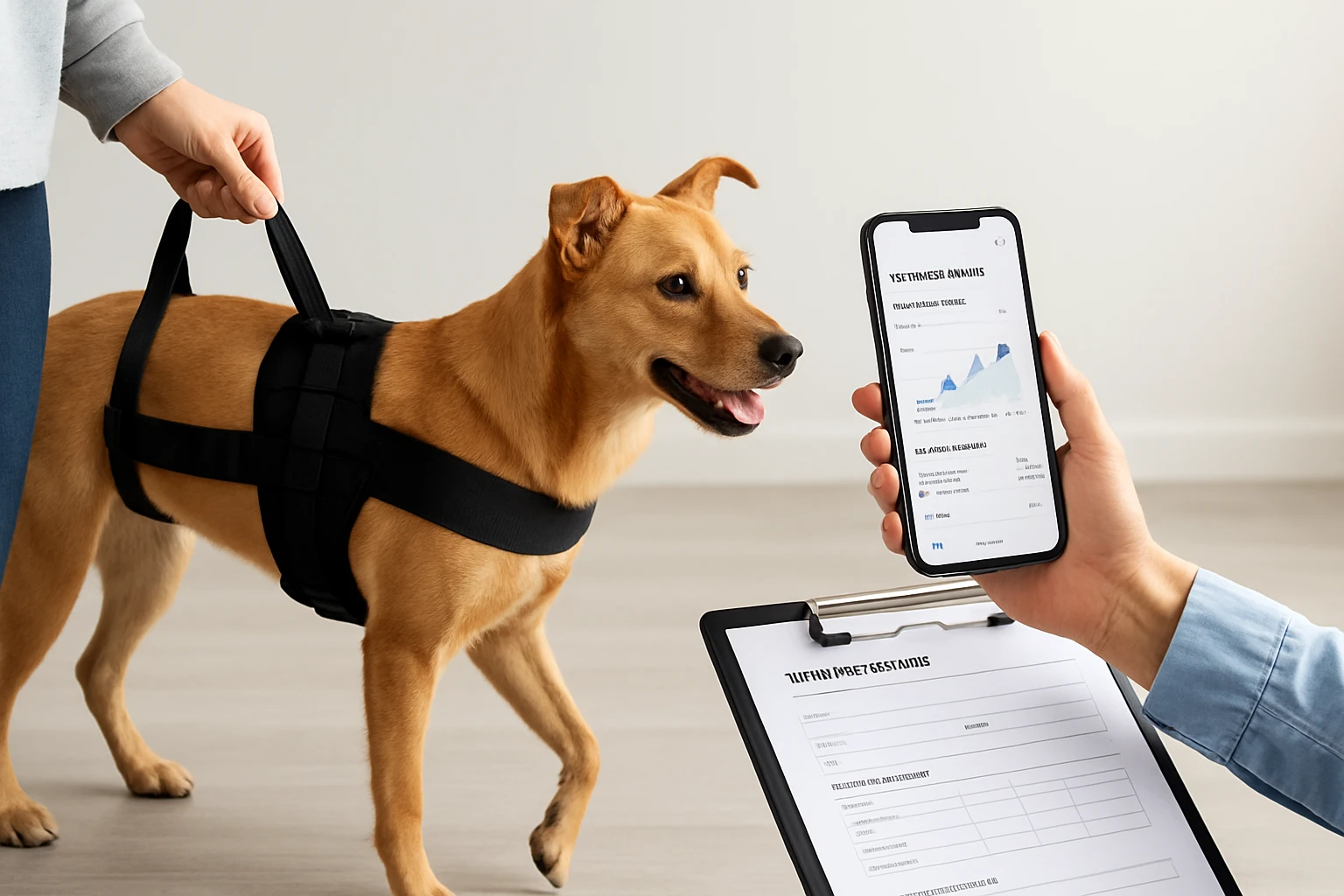
Data analysis transforms raw numbers into compelling visual evidence for veterinary consultations. In a spreadsheet, generate line graphs that show step count progression over weeks, and bar charts that contrast assisted walk distance with unassisted distance. Include columns for harness‑assisted sessions, noting the duration of each session and the dog's perceived fatigue level.
When preparing the report for the veterinarian, annotate each chart with the date of any medical intervention, medication changes, or physiotherapy sessions. Highlight periods of rapid improvement or plateaus, and attach brief narrative summaries that explain contextual factors such as weather or surface type. A well‑structured PDF containing these charts, the baseline assessment, and daily notes demonstrates a professional commitment to the dog's recovery.
Step 5: Adjust Aids Based on Data
Once trends indicate sufficient improvement, one can consider upgrading or modifying the current assistive devices. If the step count consistently exceeds the baseline by more than 30 percent while the dog tolerates longer assisted walks, it may be appropriate to transition to a lighter harness or a supportive sling. Conversely, if data reveal a regression, one should revert to the previous harness size or add supplemental padding to reduce pressure points.
When selecting a new harness, compare the features of the Cover Geny Dog Lift Harness L with alternative models, focusing on adjustability, material durability, and reflective elements. The tracker data can also inform decisions about adding a second device, such as a joint support brace, if the health index indicates persistent discomfort in specific limbs.
Tips & Pro Tips
- Perform measurements at the same time each day to reduce variability caused by fatigue or temperature.
- Use a calm, quiet environment for baseline assessments to avoid stress‑induced gait changes.
- Rotate the harness placement slightly each day to prevent skin irritation while maintaining consistent support.
- Sync the FitBark data with a human fitness platform (Fitbit, Apple Health) to view owner‑dog activity correlations.
- Back up spreadsheet files to cloud storage to prevent data loss before a veterinary appointment.
Troubleshooting
- Harness slipping off: Re‑measure the dog's girth and select the next size up; ensure the fleece side contacts the belly fully.
- FitBark not recording: Verify that the tracker is within 1.5 inches of the collar edge, replace the battery if the app shows low power, and ensure the Bluetooth connection is active.
- Inconsistent step counts: Calibrate the tracker by walking a known distance and adjusting the stride length setting in the app.
Conclusion
One has now acquired a comprehensive framework for documenting canine mobility improvements, from baseline assessment through data‑driven aid adjustments. By integrating the Cover Geny Dog Lift Harness L and the FitBark 2 Dog Activity Tracker, owners can collect objective evidence that supports veterinary recommendations and ensures the dog receives the most appropriate support. Consistent record‑keeping empowers owners to celebrate progress, identify setbacks early, and collaborate effectively with professionals. The systematic approach outlined herein promotes faster recovery, enhanced quality of life, and informed decision‑making for every dog owner.
Products Mentioned in This Guide
Frequently Asked Questions
How do I create a baseline mobility assessment for my dog?
Measure your dog’s stride length, step count, and ability to rise from sitting using a tape measure, notebook, and activity tracker before adding any aid.
What tools are recommended for tracking my dog’s mobility improvements?
A FitBark 2 activity tracker, a smartphone or tablet with a spreadsheet app, measuring tape, and a calendar are ideal.
How often should I record mobility data to show progress?
Log measurements at least twice a week, using the same time of day and conditions for consistency.
How can I turn the collected data into veterinary‑ready documentation?
Enter the data into a spreadsheet, calculate averages and trends, and include photos or videos to illustrate changes.
When is it appropriate to request an upgrade of my dog’s assistive device?
If the data shows a consistent improvement in stride length or endurance, or if the current aid limits further progress, present the evidence to your vet for an upgrade.